Check the lobby
See lobby and front-door activity before you head down.
 Get a Quote
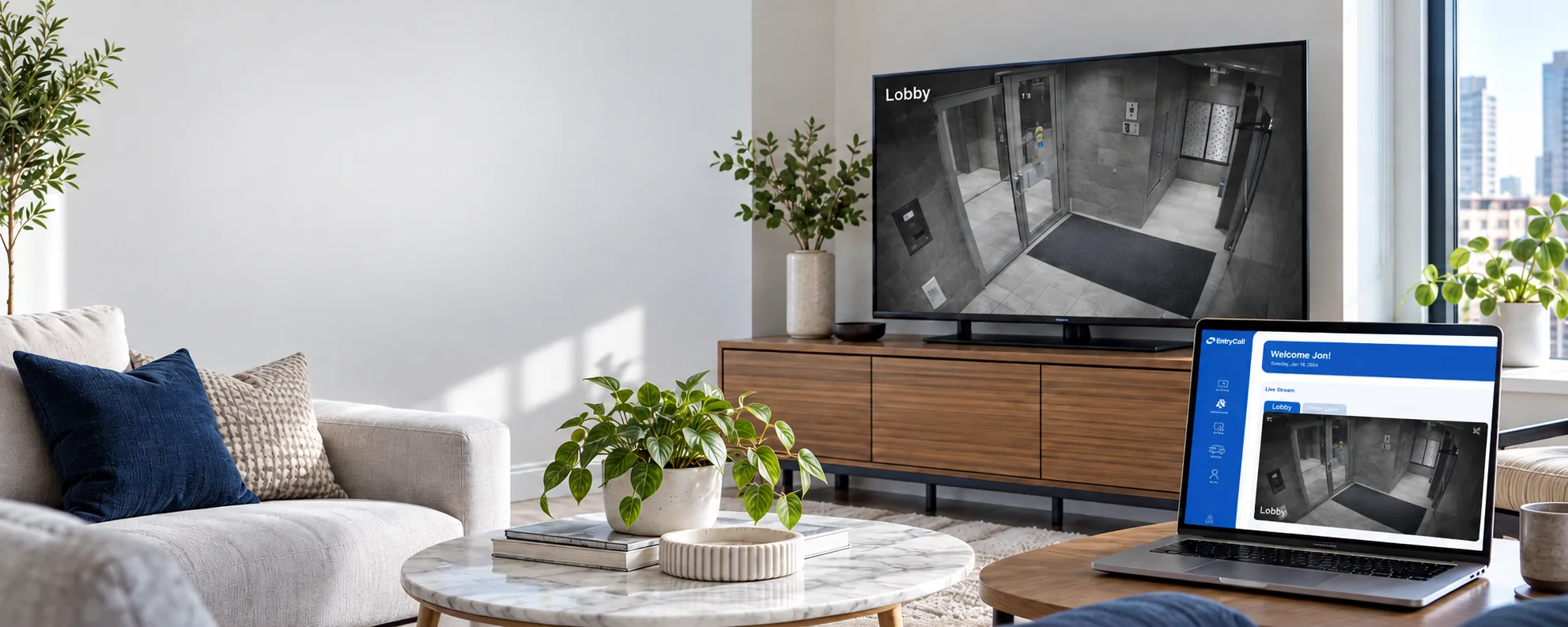
Stay connected to your lobby.
Live entrance viewing for authorized residents.
See lobby and front-door activity before you head down.
View from a supported phone, computer, or smart TV.
Available to authorized residents of your building.
Lobby Watch is optional and must be enabled for your building, with access granted to your resident account. Resident Portal alone does not include anytime access to the entryphone's live feed.
Open the EntryCall Web Residents Portal or connected resident experience.
Select the LobbyWatch channel and the lobby or front-door view.
Watch the live stream on your preferred supported screen.
Residents in buildings where Lobby Watch has been enabled, and property managers who want to offer on-demand lobby viewing.
Resident Portal manages visitors and access. Lobby Watch is an optional addition that adds on-demand lobby viewing for authorized accounts.
It must be enabled for your building, with access granted to each resident account. Ask EntryCall whether it suits your property.
Discuss lobby monitoring and resident access with EntryCall.
Request a quote